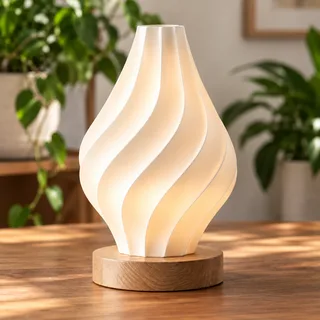
Different photo
The object in a new listing.
Visual matching STL PARROTDETECTA · COMPARA · DECIDE
PROTECT THE VALUE OF WHAT YOU CREATE
You keep creating.
STL Parrot helps 3D model creators find possible commercial uses of their designs on marketplaces through visual matching and human review.
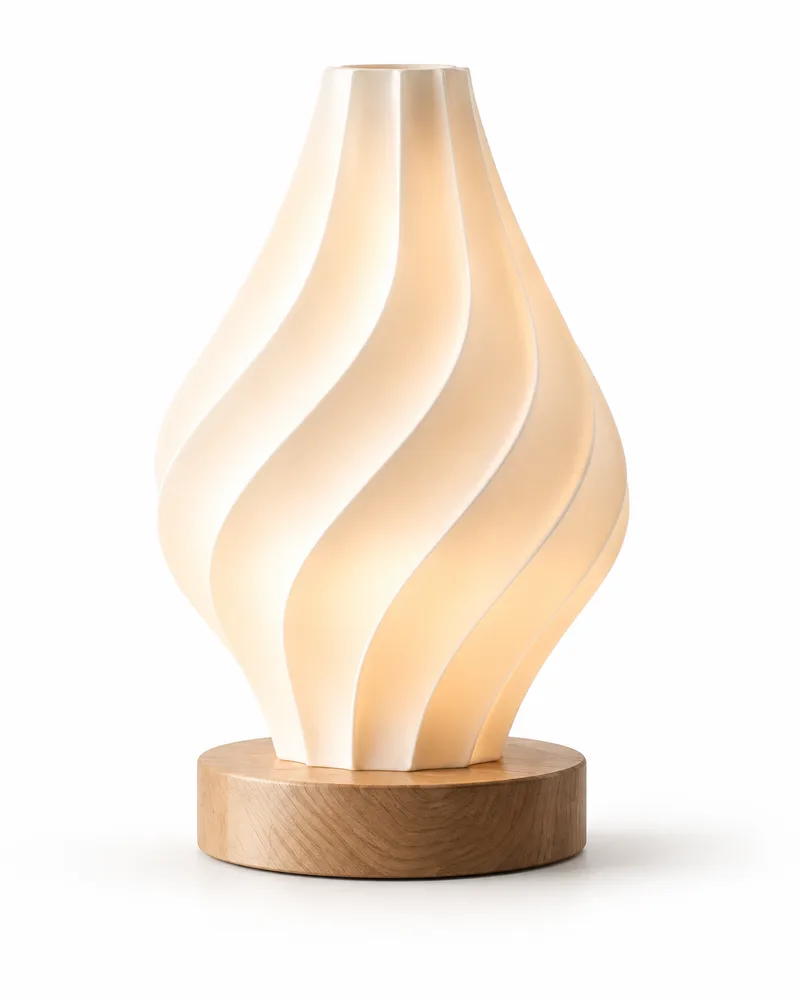
Not every match uses the same photo. Shape and details also matter, even when the angle, setting or color changes.
AI + human reviewContext before an alert
You decideYou know your licenses
Coverage grows one source at a time.
THE PHOTO CHANGES. YOUR DESIGN IS STILL THERE.
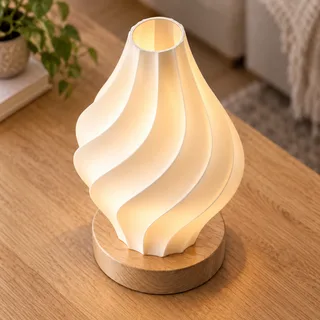
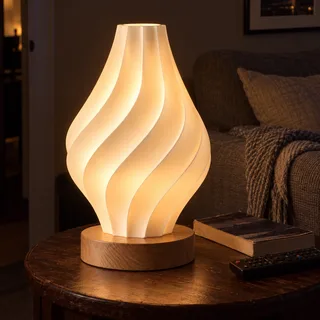
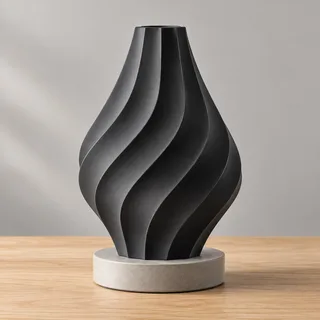
Visual matching looks for similarities in shape and details. These examples show situations that require review.
The object in a new listing.
Visual matchingA dark living room, the same shape.
Visual matchingColor does not tell the whole story.
Visual matchingDetails seen from above.
Visual matchingFROM YOUR LIBRARY TO AN INFORMED DECISION
Four steps. With human judgment.
Register it with reference images and activate protection to start monitoring it.
The system compares listings from enabled sources with your protected designs.
A person reviews possible matches before an alert reaches you.
Review the context and confirm whether the seller has permission to use your design.
EVERYTHING IN CONTEXT
Your designs, possible matches and the images you need to compare.
Illustrative product view with fictional data. It is not a trial version of the service.
Compare a designLOOK AT THE DETAILS
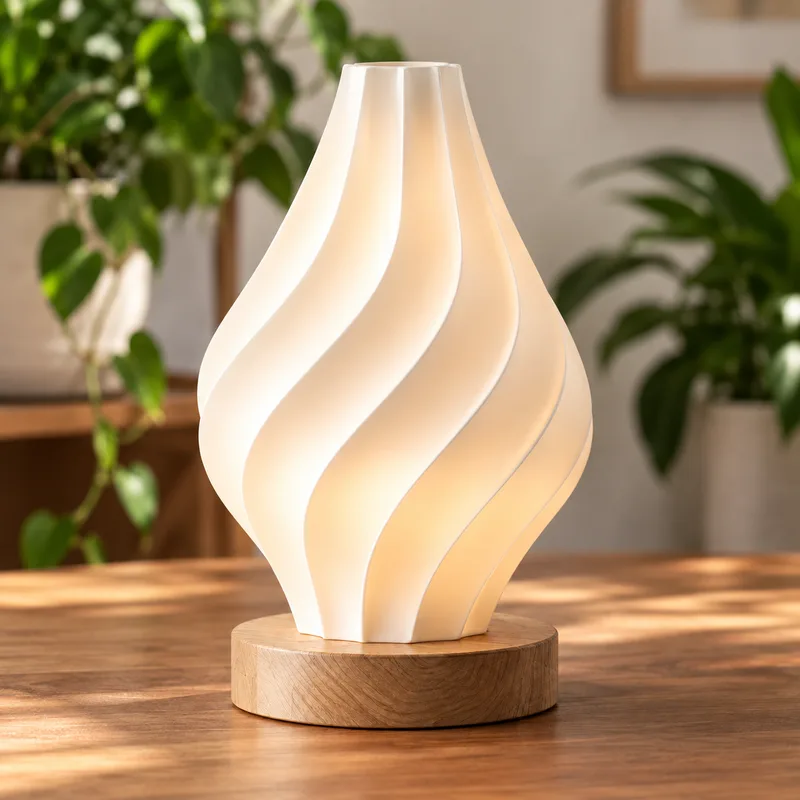
A similar image is not enough. Look at the proportions, folds and context before deciding.
The design appears in a living room. Compare the folds and silhouette even though the background is different.
ANSWERS FOR 3D CREATORS
What you need to know about monitoring your designs.
STL Parrot is a platform for 3D model creators that looks for possible commercial matches to their designs on marketplaces. It combines visual matching, human review and creator confirmation of whether a use is authorized.
In STL Parrot, you register a design with reference images and activate its protection. The system looks for possible matches in listings from enabled sources. Candidates go through human review before becoming creator alerts.
Visual matching looks for similarities in shape and details as well as identical images. Changes in angle, color or setting can make detection harder; results depend on the available images and require review. The examples on this page do not guarantee a detection rate.
Etsy is the project's first integration. Wallapop has undergone limited manual validation, but automatic acquisition remains disabled. Coverage depends on enabled sources and does not mean monitoring the entire internet.
No. Registering a design organizes it in your library. Activating protection is a separate step that starts monitoring and uses one protection slot for the cycle.
No. STL Parrot does not determine infringement, remove listings or automatically send claims. A match may be an authorized use. The creator reviews the context and confirms whether the seller has permission.
KEEP CREATING.
Monitor your 3D designs and review possible commercial uses in one place.
Create accountFOR A FAIRER CREATIVE ECOSYSTEM.